Long legal documents hide broken numbering: schemes that restart for no reason, levels that skip, "12." typed by hand where Word numbering should be, footnotes drifting out of place. Word Numbering Visualizer maps the entire document — every scheme color-banded, every footnote ticked, every problem flagged with evidence — before opposing counsel or the court finds it.
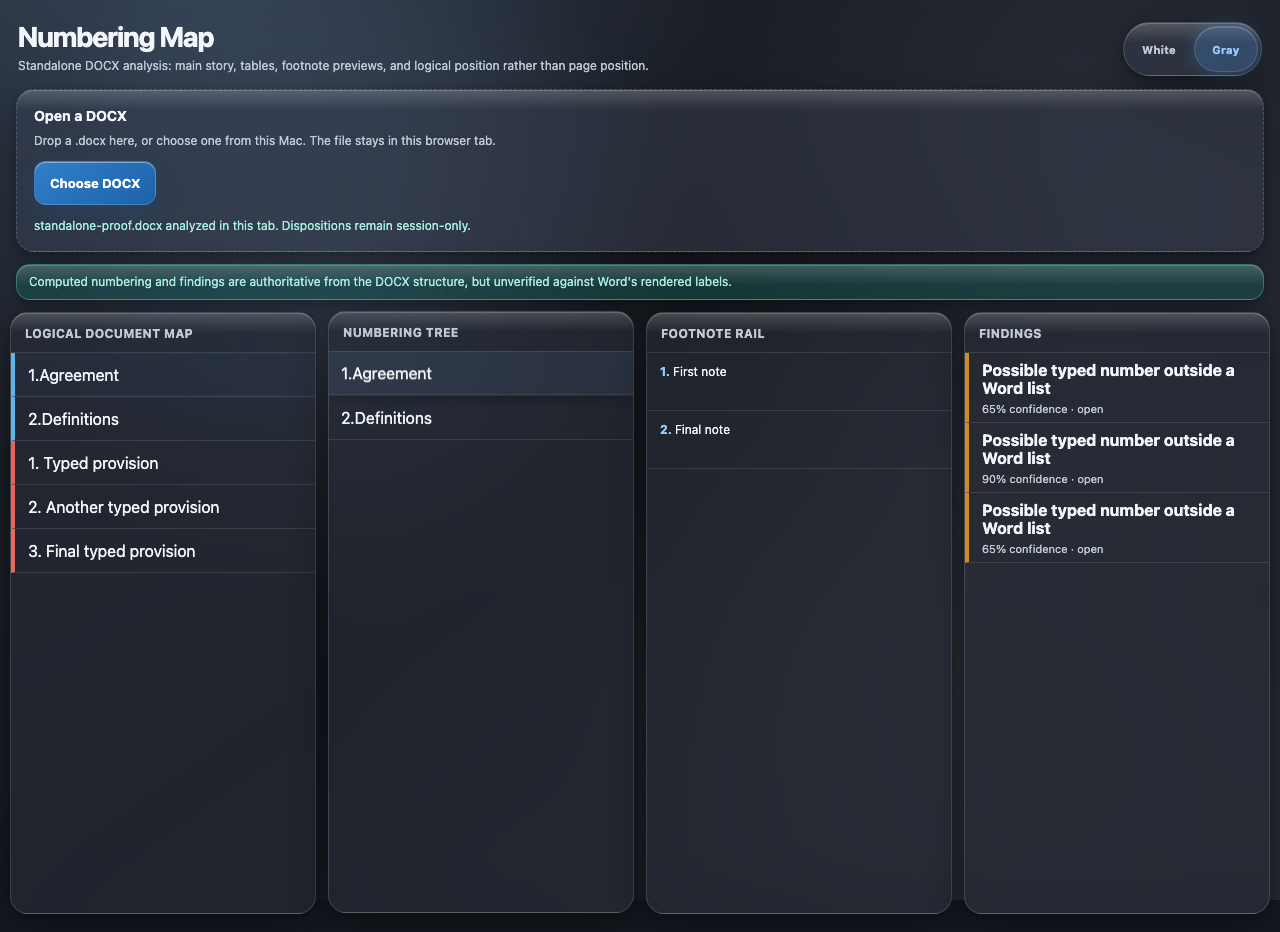
Two themes, one toggle — frosted white for daylight review, smoked gray for late nights. Your call, per session.
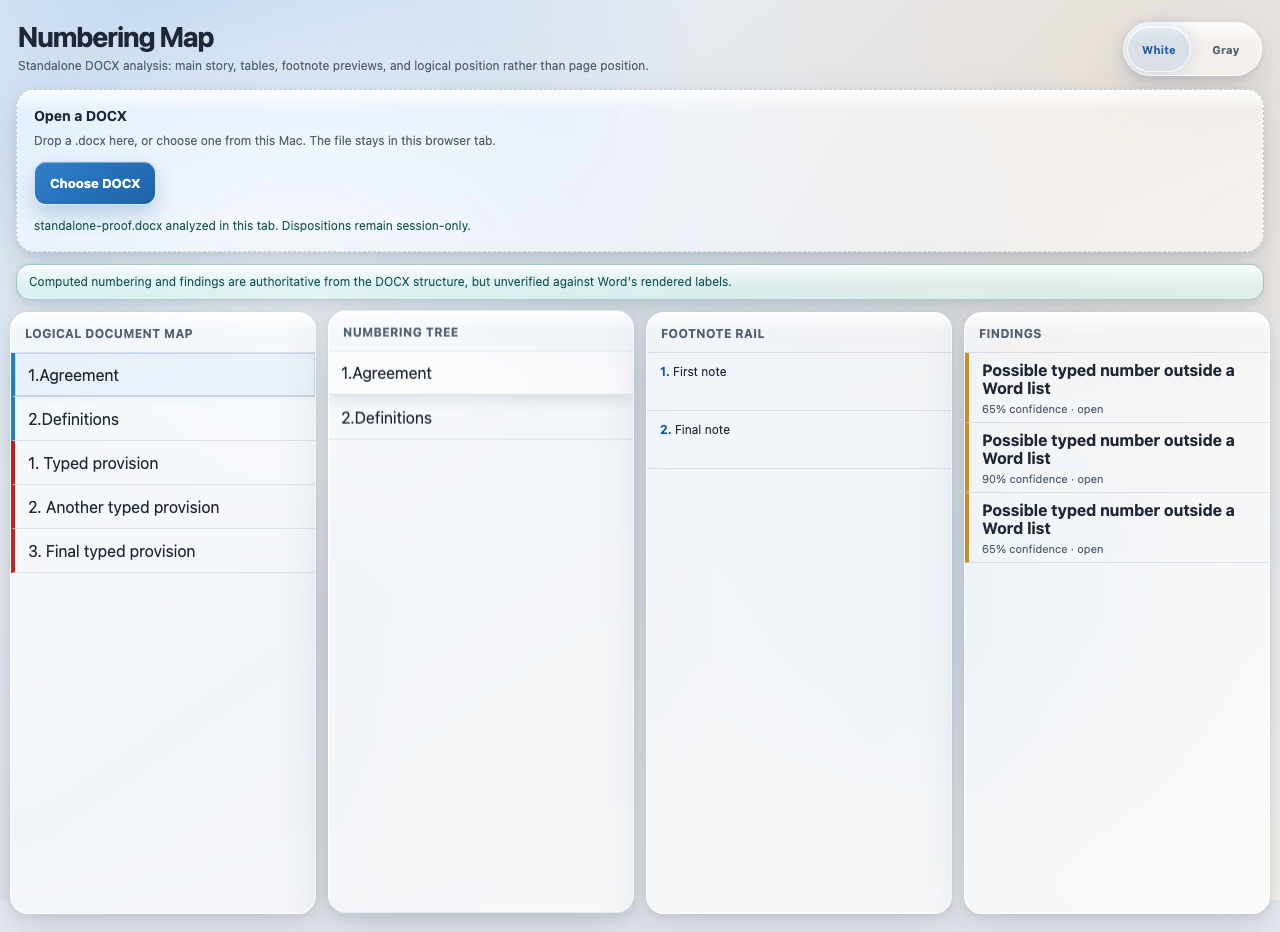
Briefs, contracts, and discovery documents live and die on their paragraph numbers and footnotes. This tool reads the document the way Word actually does.
Your whole document as one strip — numbering schemes color-banded, footnote positions ticked, findings badged. A 200-page brief's structure, visible in one glance.
The computed outline with every label — built by replaying Word's real numbering engine, including inheritance chains, overrides, restarts, and section breaks that Word itself hides.
Every footnote in order with previews and a density view — see where citations cluster and where a footnote landed somewhere it shouldn't.
Unexpected restarts, skipped levels, interleaved schemes — each flagged with a confidence score and the evidence behind it, filtered so intentional legal-drafting patterns aren't noise.
The classic landmine: a "12." somebody typed by hand that won't renumber when paragraphs move. Detected by comparing text against real list bindings — the error every reviewer misses.
Click any finding, band, or footnote and jump straight to that spot — in the browser view today, and directly inside Microsoft Word with the companion add-in.
No install chain, no account, no upload. One file, one view.
Drag the document into the browser page. It's read directly on your machine — the file never travels anywhere.
The analyzer parses the document's raw internals and recomputes every number the way Microsoft Word does — including the quirks Word never shows you.
Read the map, expand the tree, walk the footnotes, and click any flagged issue to land on the exact paragraph.
Legal documents carry privilege and work product. This tool was designed around that from the first line.
The page is locked down so it cannot send data out — not to us, not to anyone. No telemetry, no analytics on your documents, no cloud processing. Verified by automated tests.
Review annotations stay on your machine by default — never silently embedded in a file that later gets produced or filed.
A Microsoft Word task-pane version connects the same views to the live document — click a finding, Word scrolls there. In final platform testing now.
Word Numbering Visualizer is in early access. Tell us about your documents and we'll set you up.
Request Early AccessEnd of sheet · 17 of 25P-07Word Numbering
 AIBridges